Android & Web
Use Pulse Web in your browser with the same account. The native Studio video editor is available on Android; features vary by platform and version.
Explore Pulse Web → PulseGoogle Play ↗
Official Android app
Create Shorts, share photos and posts, and connect through private conversations.
Android 8.0 or later. Availability depends on your country and device.

PULSE SOCIAL
Share short videos called Shorts, photo and text posts, and Stories. Discover creators, follow people and join conversations through comments and private messages.
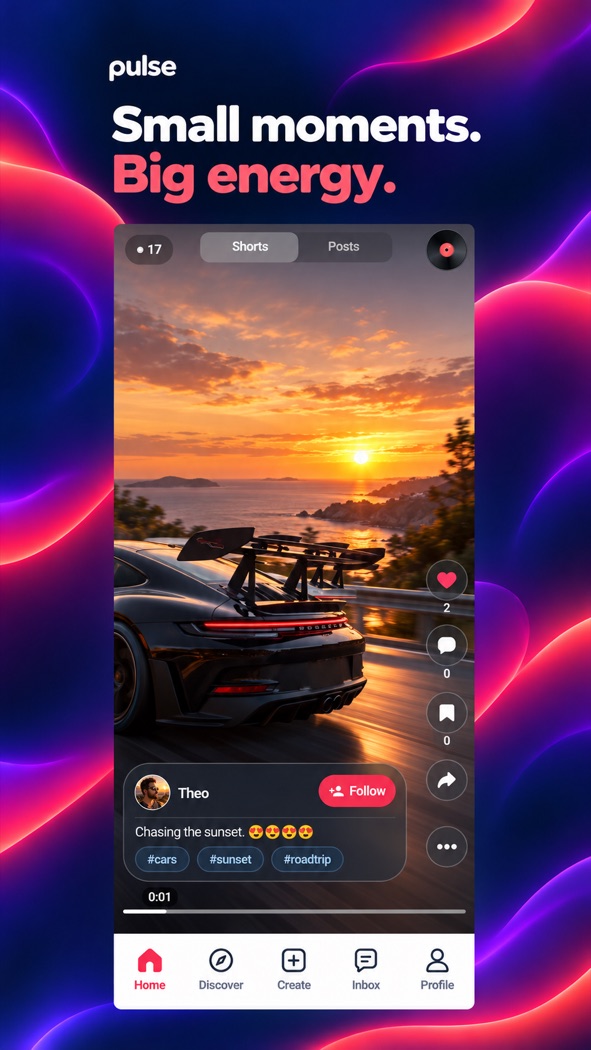
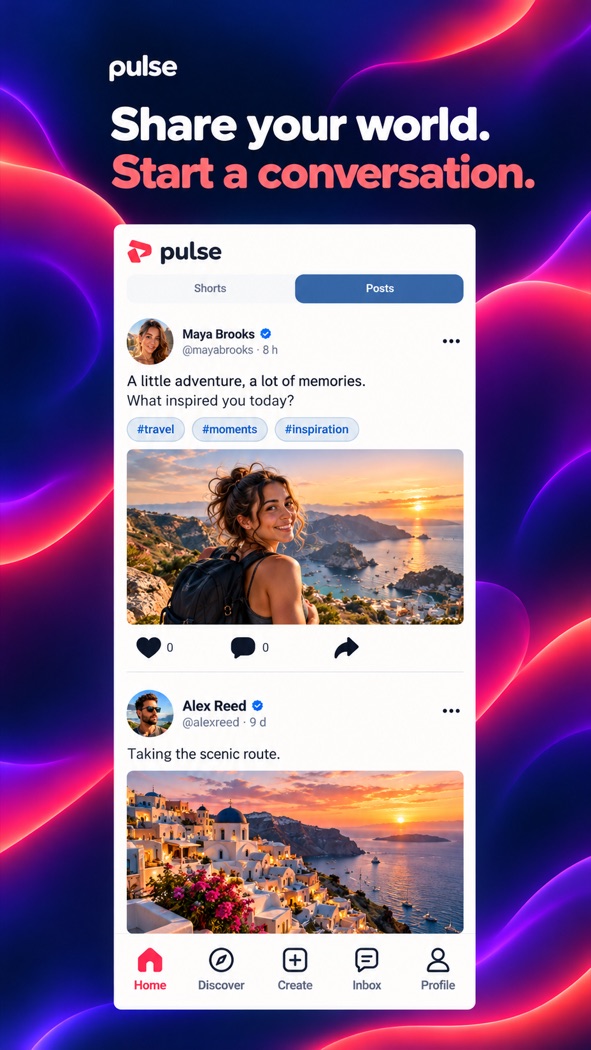
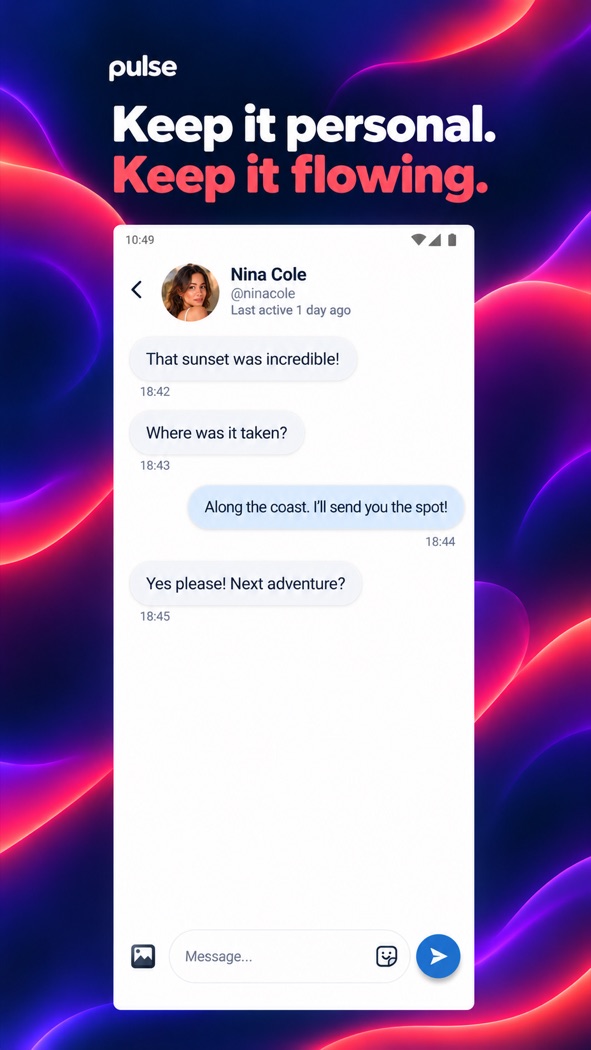
Promotional visuals with example content. The interface may vary by version and language.
GOOGLE PLAY
 Scan to download
Use Pulse Web in your browser with the same account. The native Studio video editor is available on Android; features vary by platform and version.
Explore Pulse Web →Use settings to manage account visibility, tagging and active status. You can block accounts and report content. Read the Privacy Policy and Community Guidelines for details.
Privacy →Share short videos called Shorts, photo and text posts, and Stories. Discover creators, follow people and join conversations through comments and private messages.
Download Pulse for Android from Google Play or use Pulse Web in your browser. Available features vary by platform and version; the native Studio editor is an Android feature.
Use settings to manage account visibility, tagging and active status. You can block accounts and report content. Read the Privacy Policy and Community Guidelines for details.